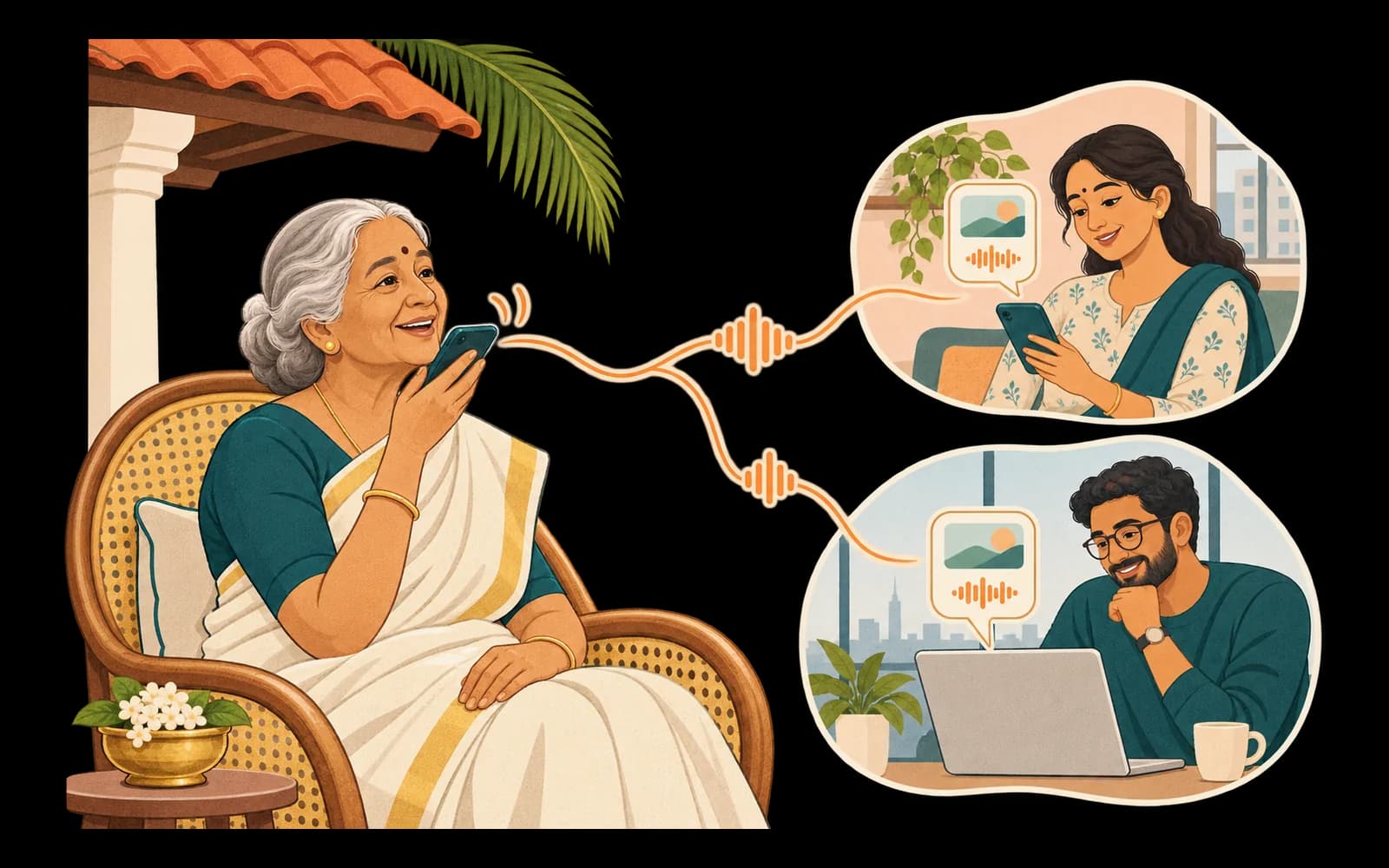
You set it up. They just talk.

Step 1, you
Start your family
- Sign up on the family console, verify your number, and name your family.
- Add your parent's name, WhatsApp number and language. You can add more than one parent to the same family.
- Invite brothers, sisters, cousins and grandchildren by email. Each person is an organizer (manages the family), can help, or can view.
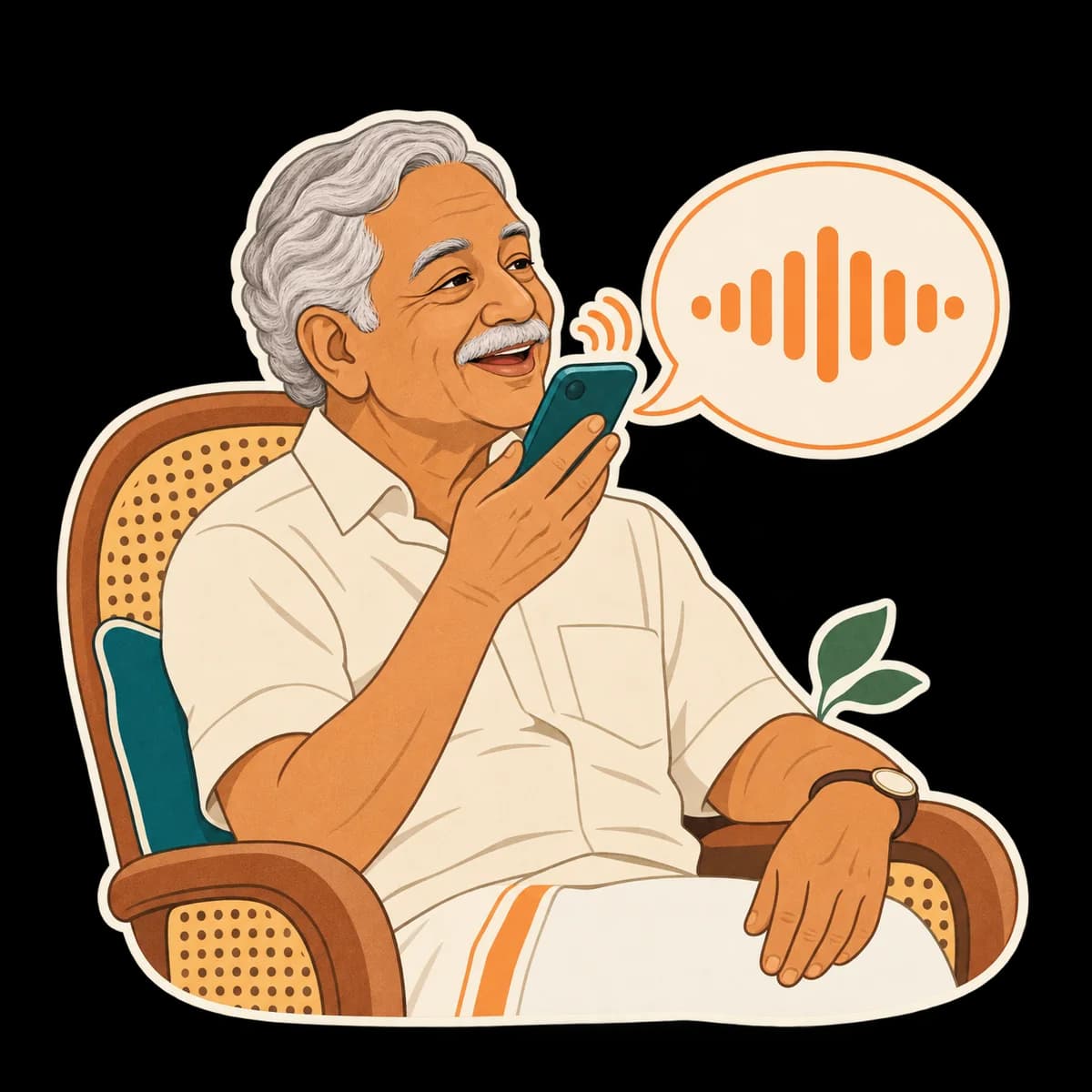
Step 2, your parent
They get a WhatsApp invitation
- Wrynkle sends your parent one WhatsApp invitation that says who invited them, with Accept and Decline buttons.
- If they accept, a short consent message explains in plain words what Wrynkle keeps, who in the family can see it, and that it is not a doctor or an emergency service.
- Nothing they send is kept before they agree, and nobody can agree for them. They can say STOP at any time.
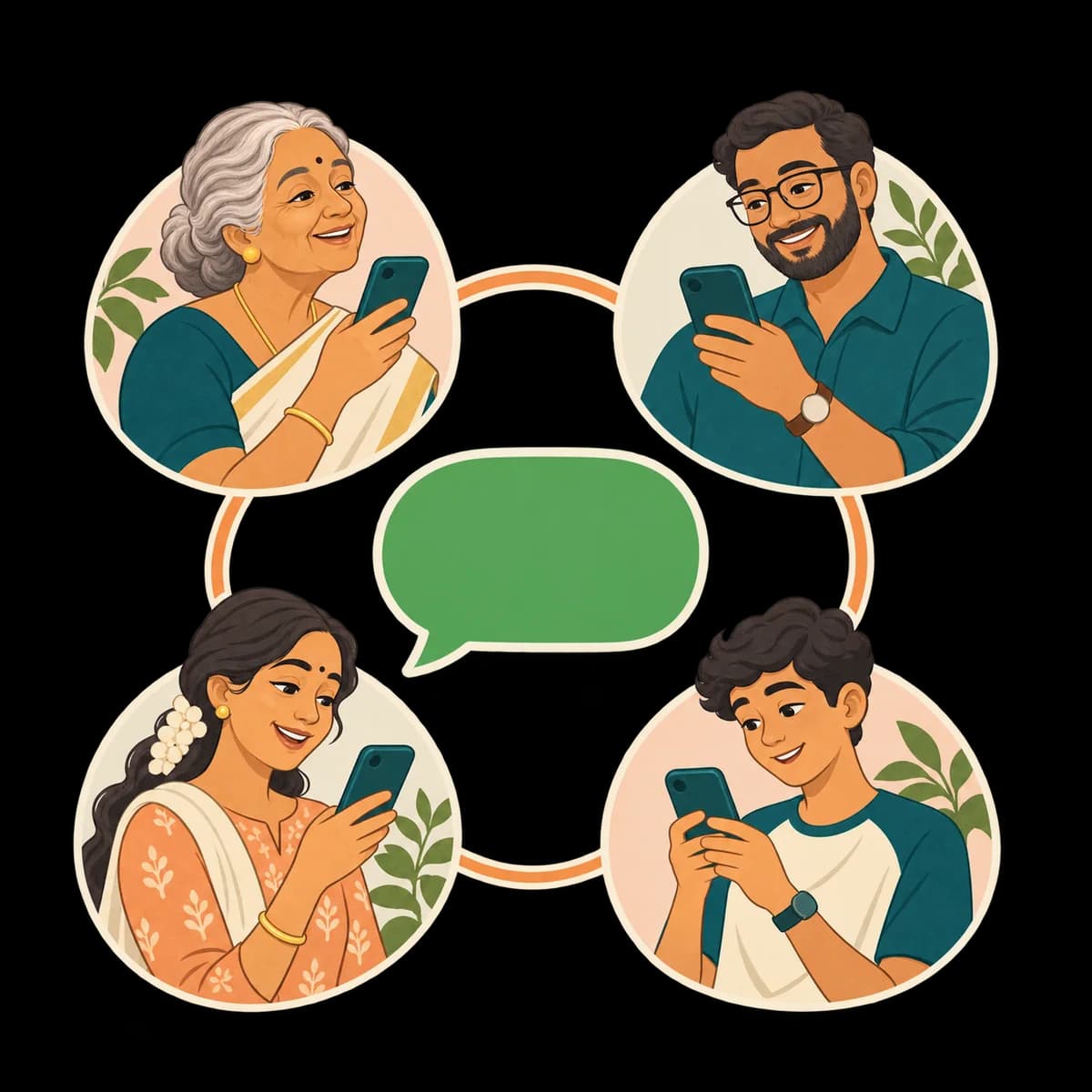
Step 3, everyone
They talk. You stay close.
- Your parent simply talks: voice notes, text or photos, on the WhatsApp they already use.
- Conversations stay private. Your parent can choose to share messages with family organizers. Voice recordings are kept for 30 days.
- The family dashboard shows shared plans, check-ins, help requests and reported medicine records.
- When they ask for help, Wrynkle creates a family help request and uses available notification channels. Tap “I'm on it” and your parent is told who is responding.
What your parent can do every day
All of it on WhatsApp, by voice or text, in their own language: more than 20 Indian languages and over 100 more.
Someone to talk to, any time
A warm companion for their day, their memories and their worries, so a quiet afternoon does not feel empty when the children are busy.
For example: “Nobody called today. I made avial and ate alone.”

It remembers them
Family names, their routine, what they like, health they mention, important dates and what is on their mind. These remembered details stay private to the person using Wrynkle and can be deleted.
For example: “How did Anu’s interview go?”
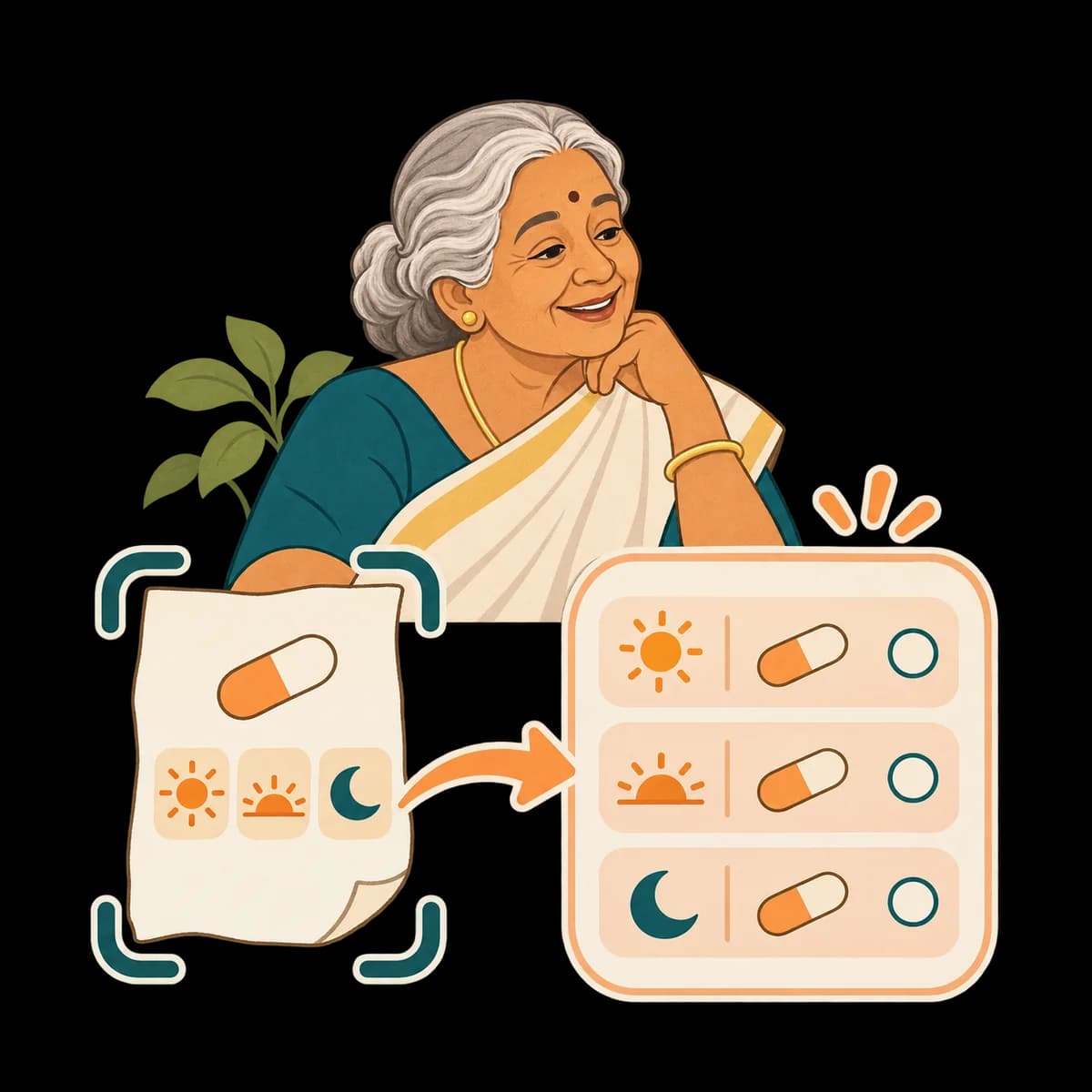
Help with everyday things, even from a photo
Recipes, phone help, what a word or a form means. Send a photo and it reads a medicine strip or prescription in plain words, explains a bill, or names a plant or a dish.
For example: “What is this letter from the bank saying?”
Speak in your own language
They can send a voice note instead of typing. Wrynkle can answer in text or audio, using the language of their message.
For example: A 20 second voice note in Malayalam

Lists and medicines, just by saying so
Medicines ticked dose by dose, groceries, things to do, doctor visits and their daily routine. Or a big-text list page they can tick with a thumb.
For example: “I took my BP tablet. Add milk to my list.”
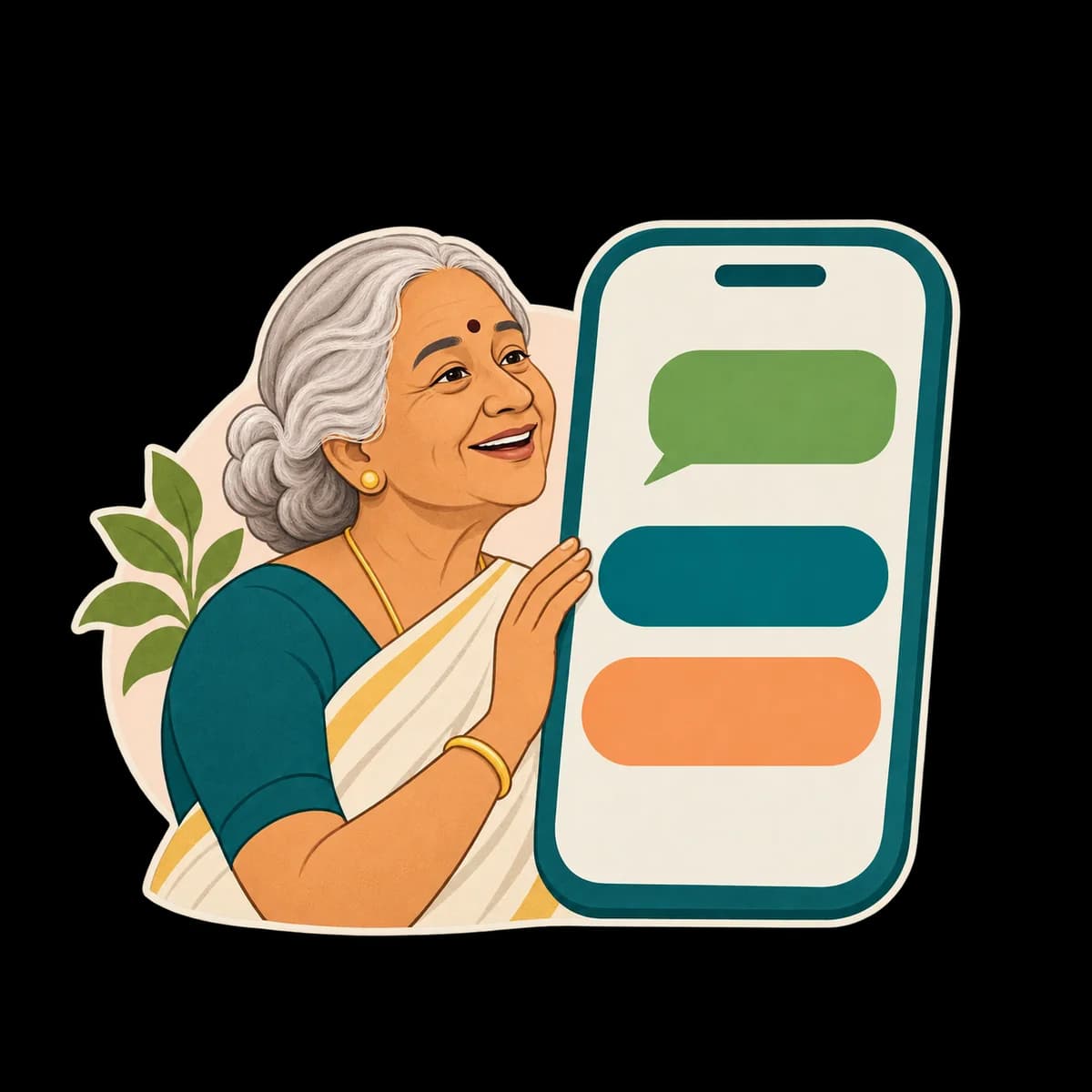
Reminders and check-ins
Reminders they ask for, confirmed with one tap. Check-ins you set, like “How are you today?”, with simple reply buttons.
For example: “Remind me to call the pharmacy at 11.”
Wrynkle also watches for scams. It warns about OTP, bank and prize scams, and it never asks for or keeps codes, passwords or bank details.
What happens to a voice note
They send it
A voice note, a message or a photo arrives through the official WhatsApp Business Platform.
Wrynkle listens
It transcribes the voice note, understands what they mean and remembers what matters, like a name, a date or a worry.
It answers
A reply follows the language they use, in text or audio as appropriate. Wrynkle asks when details need clarification.
You see it
Shared plans, trackers, check-ins and help requests appear in the family console. Private conversations and remembered details stay separate.
Not a doctor, not an emergency service
Wrynkle does not diagnose, advise on doses, buy things or handle payments. It can look up public information for everyday questions. It alerts your family, and in an emergency it tells your parent to call 112. AI can misunderstand, so check anything important with your parent directly.
Ready when you are
Start your family on the console. Your parent gets one WhatsApp invitation, and they decide.